

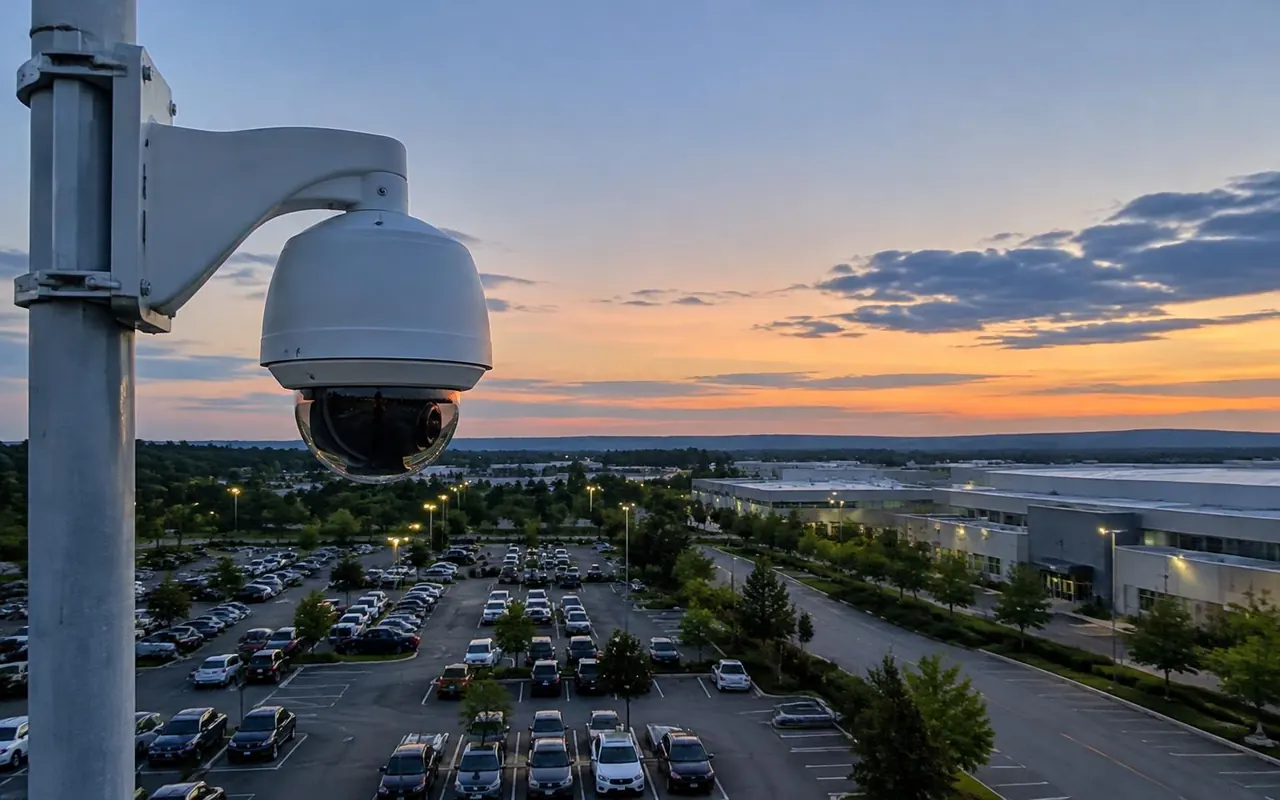
This page is part of our CCTV surveillance systems range. The quality of a CCTV system is set by the person holding the drill. Good cameras on poor cable, or aimed into the sun, give poor footage. CCTV installation in Hyderabad done well is careful, step-by-step work. Here is how we do it. If you have not chosen cameras yet, our CCTV camera dealers page explains the options.
Steps from survey to handover
Every job follows the same order, whatever its size. Each step has a check before the next one starts.
- Survey the site and measure each camera distance
- Mark a camera plan with the job of each point
- Run conduit and cable along agreed routes
- Fix brackets, junction boxes and cameras
- Connect power, PoE switches and UPS
- Configure the recorder, storage and alerts
- Test each camera by day and by night
- Hand over passwords, app, training and camera list
Cabling and why Cat6 copper matters
For IP cameras we pull pure copper Cat6 cable. Copper-clad aluminium is cheaper and looks identical, but it loses power over distance. Cameras on long runs then reboot when their infrared lights switch on at dusk.
Each network run should stay within about 100 metres from camera to switch. For longer distances we add a switch in a weatherproof box or link buildings with fibre. Coaxial cable for analogue HD can run further, up to a few hundred metres depending on the camera.
We crimp every connector with the proper tool, test each run and label both ends. That labelling saves hours on every future repair.
- Cable
- Cat6 copper
- Where we use it
- IP cameras indoors
- Rough limit
- About 100 metres
- Cable
- Outdoor Cat6
- Where we use it
- IP cameras on walls and poles
- Rough limit
- About 100 metres
- Cable
- Coaxial with power
- Where we use it
- Analogue HD cameras
- Rough limit
- A few hundred metres
- Cable
- Fibre
- Where we use it
- Between buildings and long yards
- Rough limit
- Much longer, with converters
Mounting height and angle
For faces, a camera between about 2.5 and 3 metres high, looking along the path people walk, gives the clearest results. Higher mounts show foreheads and hair. At doors we aim slightly down the corridor, so people walk towards the lens.
Avoid sky, sun and bright doorways in the frame. Where backlight cannot be avoided, a wide dynamic range camera helps. Plate cameras need a shallow angle across the lane and settings that cut headlight glare.
Installing in occupied buildings
Most of our jobs happen while people live or work in the building. We agree working hours with you, group noisy drilling into one slot and cover furniture and floors. In offices, ceiling work is often done in the evening or at weekends.
In apartments and gated communities, we work with the association on access to shafts, terraces and common areas. Residents get notice before work in lift lobbies or parking. Each day ends with cable tidied and areas cleaned.
Network and remote access
IP systems need a clean network. We keep cameras on their own switches or a separate network segment, so office traffic does not slow recording. Recorders get a fixed address, and remote access goes through the maker's secure service rather than open router ports.
If your IT team manages the network, we agree address ranges and firewall rules with them first. That avoids clashes that knock cameras offline later.
Labelling and documents
Every cable is labelled at both ends with the camera name. The recorder lists cameras by location, and each switch port is marked. These small steps make a big difference years later.
We also photograph the view from each camera at handover. If someone knocks a camera or a tree grows into the frame, you can compare it with the original and ask us to reset it.
Power and protection
A UPS keeps the recorder and switches running through short power cuts and shields them from spikes. We size it for the backup time you want.
Poles and rooftop cameras need earthing and surge protection, especially before the monsoon. One lightning strike nearby can kill every port on an unprotected switch.
Setup and testing
We name each camera by its location, set resolution and frame rate, size storage to the days you chose and draw motion zones that ignore trees and traffic. Alerts are sent only for real events where possible.
Then we test. Every view is checked in daylight and after dark, playback is reviewed and the time stamp is confirmed. Phone alerts and remote viewing are tested on mobile data.
Handover and training
At handover, default passwords are replaced and each user gets their own login. We set up the app on the phones you choose and show staff how to search and export footage.
You also get a written camera list with locations, views and cable routes. Keep it safe, since it makes upgrades and repairs much faster. For upkeep, see our CCTV AMC and repair service.
How long installation takes
A home with four to six cameras and easy routes often takes one working day. Shops and offices with eight to sixteen cameras usually take two to four days. Gated communities and factories run in stages, and poles, trenching or fibre add time. We share a schedule with the quote and update it if site conditions change.
CCTV installation across Hyderabad
Homes in Jubilee Hills, Banjara Hills and Kondapur often need neat cable routes through finished interiors, with cameras at gates, doors and terraces. Offices in Madhapur and Hitech City need installation after hours so work does not disturb staff.
Gated communities in Kokapet, Miyapur and Bachupally need cameras on gates, clubhouses, lift lobbies and boundary walls, often linked by fibre between blocks. Factories near Patancheru need long cable runs and weather-rated housings.
Our Gachibowli team handles every CCTV installation in Hyderabad, and the Hyderabad office page lists our other services. For coastal sites, see CCTV installation in Visakhapatnam.
Areas we serve. Not sure we cover your area? Call the office and ask.
- Jubilee Hills
- Banjara Hills
- Kondapur
- Madhapur
- Hitech City
- Kokapet
- Miyapur
- Bachupally
- Patancheru
- Gachibowli
Standards and approvals
Use cameras and recorders with BIS registration where the law requires it, and keep CCTV cable apart from fire alarm and power circuits. CCTV is not part of a fire NOC from the Telangana State Disaster Response & Fire Services Department. Our CCTV security system page covers privacy points to agree before work starts, and IP camera recorders are explained on their own page.
How the work runs
- Site surveyWe measure distances and check light, power and network points.
- Plan and quoteYou get a camera plan, equipment list and itemised quote.
- InstallationCable, brackets, cameras, recorder and UPS go in.
- TestingEvery view is checked day and night, with playback and phone viewing.
- HandoverPasswords, training and the camera list complete your CCTV installation in Hyderabad.
What affects the price
- Number of cameras
- Resolution and lens type
- Days of recording needed
- Recorder or server
- Cable length and route
- PoE or separate power
- Network switches
- Remote viewing and yearly maintenance
What to send us
- Site plan or a few phone photos of each area
- Number of cameras you have in mind
- Days of recording needed
- Details of any existing system
- Your deadline