

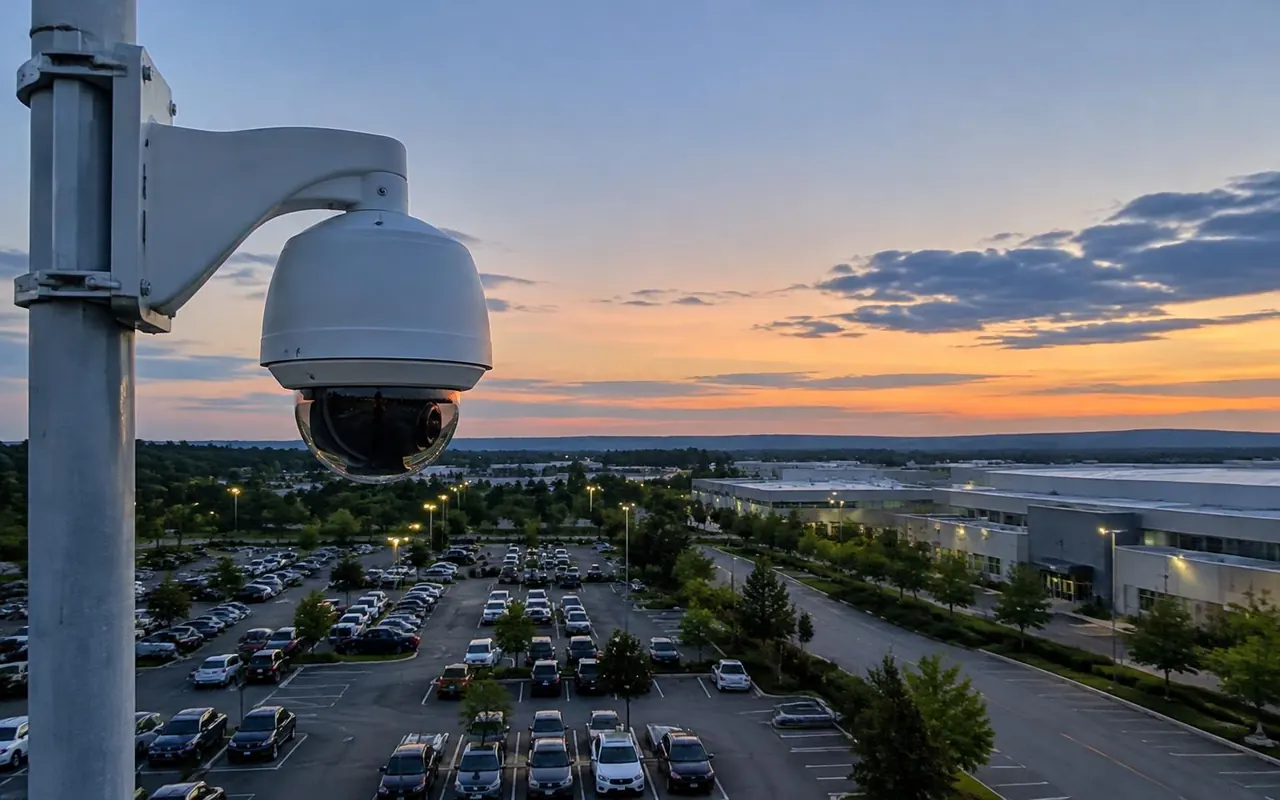
This page is part of our CCTV surveillance systems range. Most CCTV problems we are called to fix in Vizag were built in on the first day. A loose crimp, a camera facing the sunset, a cable run too long for the signal. Good CCTV installation in Visakhapatnam is mostly careful, unglamorous work done in the right order. This page explains that order. If you are still choosing equipment, our CCTV camera dealers page covers camera types and lenses.
Our installation steps
We follow the same steps on a four-camera home and a two-hundred-camera plant. The scale changes, but skipping a step always shows up later as a fault.
The survey and the camera plan come before anything is bought or drilled. That plan is what you sign off, and it is what we test against at the end.
- Survey: walk the site, measure distances, note light and power
- Camera plan: mark each point and what it must see
- Cabling: conduit, cable and labelled joints
- Mounting: brackets, junction boxes and sealing
- Power: PoE switches or power supplies, plus UPS
- Setup: recorder, storage, users and motion zones
- Testing: day and night checks for every camera
- Handover: passwords, training, app and camera list
Cable types and why Cat6 matters
Cable carries both picture and power, so it decides how reliable the system is. For IP cameras we use Cat6 cable with copper conductors. Cheaper copper-clad aluminium cable looks the same but drops power over long runs, and cameras then reboot at night when the infrared lights switch on.
Network cable has a limit of about 100 metres between the camera and the switch. Beyond that, we add a switch in a sealed box or run fibre between buildings. Analogue HD cameras use coaxial cable, which can run a few hundred metres, depending on the camera and the cable quality.
Termination matters as much as the cable. Each joint is crimped with the right tool, tested and sealed. Outdoor joints sit inside a junction box, never taped and left behind the camera.
- Cable
- Cat6, indoor
- Used for
- IP cameras inside buildings
- Practical limit
- About 100 metres per run
- Cable
- Cat6, outdoor rated
- Used for
- IP cameras on walls and poles
- Practical limit
- About 100 metres per run
- Cable
- Coaxial with power pair
- Used for
- Analogue HD cameras
- Practical limit
- A few hundred metres, by camera and cable
- Cable
- Fibre
- Used for
- Links between buildings or long yards
- Practical limit
- Far longer, needs converters at each end
Mounting height, angle and glare
Height is a trade-off. A camera at about 2.5 to 3 metres sees faces clearly and is still hard to reach. Mounted much higher, it shows the tops of heads. For gates and doors, we aim the camera along the path people walk, so faces come towards it.
Glare spoils more footage than darkness does. We avoid pointing cameras at the sky, at the setting sun or straight at a lit doorway. Where backlight cannot be avoided, a wide dynamic range camera balances bright and dark areas. Number plate cameras sit at a shallow angle to the lane, with settings that cut headlight flare.
Power, backup and earthing
Unstable power kills recorders and switches. We put the recorder, switches and any power supplies on a UPS, so the system keeps recording through short power cuts. The size of the UPS depends on how long you want it to run.
Outdoor cameras on tall poles also need proper earthing and surge protection, especially through the monsoon. A single lightning surge can travel down a cable and damage every port on a switch.
Setup and testing
Setup is where the system becomes useful. We set the resolution and frame rate for each camera, plan storage for the days you need and draw motion zones that ignore trees and passing traffic. Each camera gets a clear name, such as Main Gate or Store Room, not Camera 7.
Then we test each view by day and again after dark. We play back recordings, check the time stamp and confirm alerts arrive on your phone. Faults found here are fixed before handover, not left for the first service visit.
Handover and training
At handover we change every default password and set separate logins for each user. We install the phone app, test it on mobile data and show your staff how to find and export a clip.
You also get a written camera list with each camera's location, view and cable route. That list saves hours when you later add cameras or call for a repair. For yearly upkeep, see our CCTV AMC and repair service.
How long CCTV installation in Visakhapatnam takes
Time depends on the camera count, the cable route and how much civil work is needed. A home with four to six cameras and open cable routes is often finished in one working day. A shop or office with eight to sixteen cameras usually takes two to four days.
Larger sites, such as warehouses or gated communities, are planned in stages. Trenching, poles, fibre and access to occupied areas add time. We give you a schedule with the quote and update it if site conditions change.
Installing CCTV across Vizag
Homes and apartments in MVP Colony, Seethammadhara and Madhurawada usually need cameras at the gate, entrance, parking and terrace door. Cable routes in finished flats run in surface casing, so we plan neat paths along skirting and ceiling lines.
Resorts and hotels around Rushikonda and Siripuram want cameras that blend into the décor, with long cable runs to a security room. Schools need clear views of gates and corridors during drop-off. Warehouses at Duvvada, Gajuwaka and Anakapalli need long boundary coverage, often with fibre between sheds.
Near the coast we treat every outdoor point as wet and salty. That means sealed junction boxes, drip loops on every cable, stainless steel screws and outdoor-rated housings. Our Suryabagh team handles every CCTV installation in Visakhapatnam, and the Visakhapatnam office page lists our other services. In Hyderabad, see CCTV installation in Hyderabad.
Areas we serve. Not sure we cover your area? Call the office and ask.
- MVP Colony
- Seethammadhara
- Madhurawada
- Rushikonda
- Siripuram
- Duvvada
- Gajuwaka
- Anakapalli
- Suryabagh
Standards and approvals
Use cameras and recorders that carry BIS registration where the law covers them, and keep cabling clear of fire alarm and power circuits. CCTV is not part of the fire NOC from the Andhra Pradesh Fire Services Department, but cameras can be linked to the fire alarm. Our CCTV security system page explains privacy points to agree before installation.
How the work runs
- Site surveyWe visit, measure distances and note light, power and network points.
- Camera plan and quoteYou get a marked plan, an equipment list and an itemised quote.
- Cabling and mountingConduit and cable go in first, then brackets, boxes and cameras.
- Setup and testingWe set up the recorder and test each view by day and night.
- HandoverYou get passwords, app setup, staff training and a written camera list for your CCTV installation in Visakhapatnam.
What affects the price
- Number of cameras
- Resolution and lens type
- Days of recording needed
- Recorder or server
- Cable length and route
- PoE or separate power supplies
- Network switches
- Remote viewing and yearly maintenance
What to send us
- Site plan or a few phone photos of each area
- Number of cameras you have in mind
- Days of recording needed
- Details of any existing system
- Your deadline